Enquiries are scattered
One enquiry comes through the website, another by email or phone. Nobody is quite sure who handled it or where it stands.



One enquiry. A well-organized follow-up. An enquiry from your website should reach the right place and the right person without being retyped by hand. We set up your CRM, connect it to your other tools and automate the steps that keep coming back, starting from how your team actually works. Rules, exceptions and human checks are defined before anything goes live.
A CRM doesn’t have to be complex to be useful, and automation starts from real work, not from a tool. What matters is knowing who is handling an enquiry, where it stands and what gets redone every time.
One enquiry comes through the website, another by email or phone. Nobody is quite sure who handled it or where it stands.
The spreadsheet is getting hard to keep up to date as a team, or the CRM is there but its fields and stages don’t match the way you sell. The team drifts back to email.
Contact details from a form are copied by hand into the CRM or another tool, with gaps and duplicates.
Acknowledge it, create a task, let a colleague know, follow up with the customer: it’s all done by hand, whenever someone thinks of it. When that person is away, the file waits.
Organize how information moves. Each project is scoped before work begins, starting from the tools you already use; a simple rule is often enough. It can cover one or more of these areas.
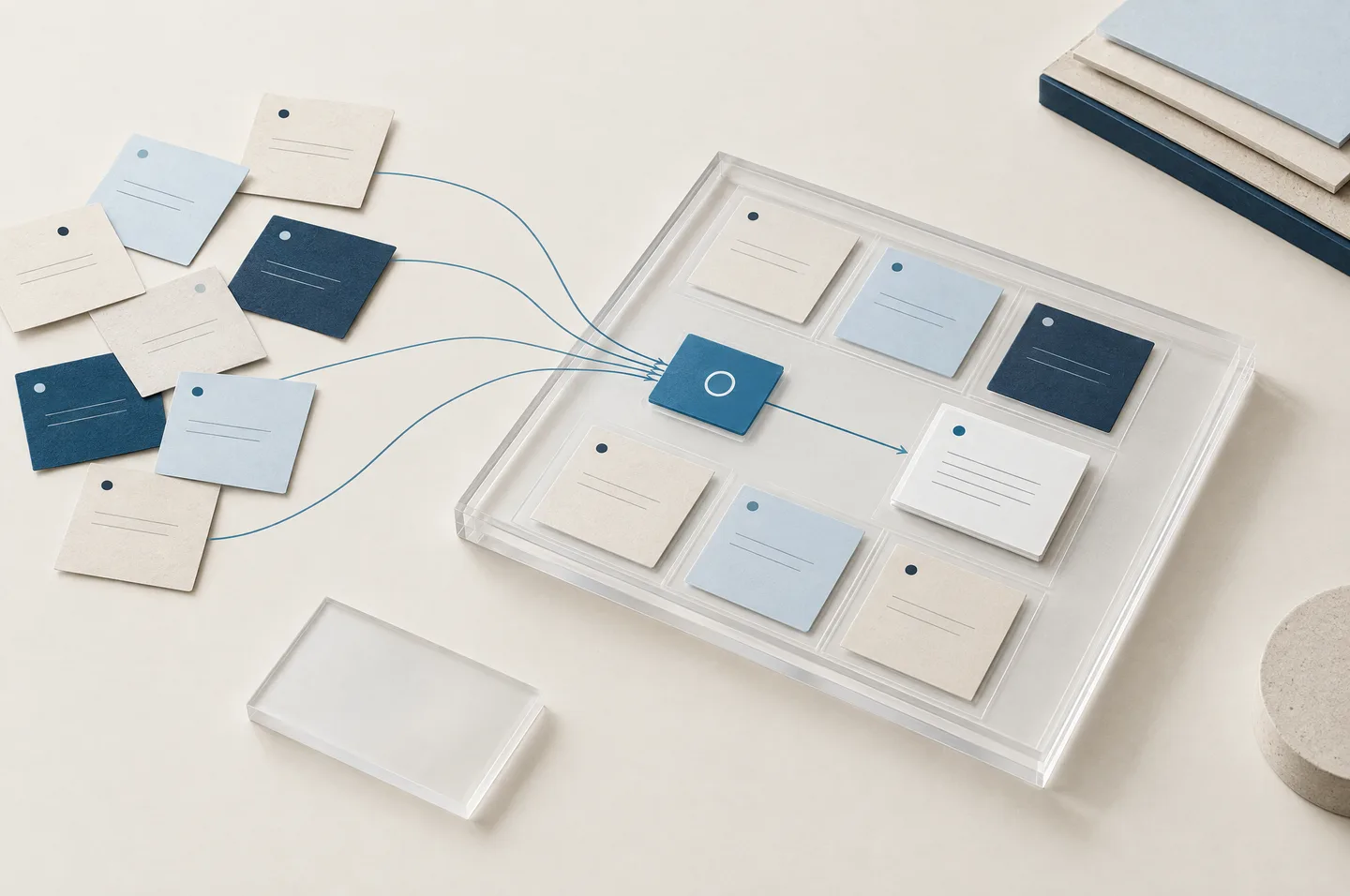
Map how an enquiry travels with the people who handle it: where it comes in, who receives it, the stages it goes through, unusual cases and where information falls through the cracks. This shows what can be automated and what should stay with your team.
Configure fields, sales stages, views and team access in the CRM you use or choose, for example HubSpot, Zoho CRM or Pipedrive, around the way you work. If needed, bring your data over: import contacts from a spreadsheet, clean up duplicates or migrate from one CRM to another, depending on what the previous tool can export.
Link your website form to the CRM, your inbox or your calendar, using your tools’ built-in connections or an integration service such as Zapier or Make.
An acknowledgement based on an approved template, assignment by requested service, task creation, follow-up reminders. Cases the rules can’t handle are flagged to someone on your team.
Actual steps, tools and approvals are agreed with each business.
A visitor fills in the quote request form on your website and selects the service they need.
The CRM creates a contact record, or updates the existing one, with the requested service and where the enquiry came from, with no manual copying.
A rule assigns the enquiry to the person responsible for that service, who gets a notification. An unclear case is flagged to them rather than guessed.
The visitor receives a message based on a template you’ve approved. It confirms receipt, with no price and no commitment.
If the customer hasn’t replied after the time you’ve set, a reminder appears in the CRM so someone can decide what comes next.
Illustrative example, not a completed engagement.
The steps are the same whether you’re starting from a spreadsheet or an existing CRM; timing depends on how many tools need connecting, the workflows chosen and the access available.
Review how enquiries come in, who handles them, your sales stages and the tasks that keep coming back. Note the exceptions, list the tools in use and their access, and check the quality of the starting information.
Check what your tools can connect to. A proposal sets out the chosen CRM, connections, automations and their human approvals, deliverables, schedule, price and expected licences or subscriptions, along with who pays for them.
Set up fields, sales stages and access, then the agreed connections and rules, in accounts held in your business’s name.
Send sample enquiries and check common cases and exceptions alike: missing information, duplicates, unclear requests, a tool that’s unavailable. Fix issues before going live.
Walk your team through how it works and hand over access, documentation and what to do if a tool stops responding. Ongoing support or adjustments can be agreed separately.
The exact list depends on the agreed scope.
Where enquiries come from, useful information, stages, responsibilities and exceptions, set out on one page.
Fields, sales stages, views and team access, within the agreed scope, and data brought over (import, duplicates, migration) when the scope includes it.
Agreed exchanges between the form, CRM and your other tools, with the list of fields passed along.
For each workflow: trigger, rules, human approvals and cases that stay manual.
Sample enquiries and exceptions checked, results observed and fixes made.
Access in your business’s name, guidance for everyday use and what to do if a tool stops responding.
A well-configured CRM and automated steps make follow-up easier; they don’t guarantee a number of enquiries or sales. The time freed up depends on volume, exceptions and the quality of the starting information: if it’s incomplete, it’s better to sort that out before automating.
An automation applies the rules you’ve approved. Cases it can’t handle are flagged to someone on your team, and prices, terms and sensitive replies stay in their hands.
We don’t present ourselves as specialists in any CRM platform. Projects that call for specialized development are assessed and may involve a partner; AETHER then coordinates the project and checks the quality of the work.
CRM licences and integration tool subscriptions are opened in your business’s name. They’re listed in the proposal, with their expected cost and who pays for them, before you decide.
Not necessarily. We start with the tools you already use. Compatibility, limitations and potential costs are reviewed before recommending a solution.
That’s where we start. We check what your tools can receive and send; if a connection isn’t possible or needs custom development, we tell you before suggesting another option.
Yes, if several people handle follow-up or enquiries are slipping through. A simple CRM, set up around your actual stages, can take over from the spreadsheet, and the contacts in your spreadsheet can be imported, with duplicates cleaned up, as part of the project. If the spreadsheet is enough for now, we’ll tell you.
Not necessarily. What matters is whether a task comes up often enough, in a similar enough way, to justify the setup and monitoring. For a rare task or one that changes every time, a better routine may be enough; our first conversation helps check that.
Someone on your team, named in the workflow. Cases the rules can’t handle are flagged to them, and any message sent automatically is based on templates you’ve approved.
The fallback is planned from the start: how to spot the interruption, who picks up the task manually and how to restart the workflow. Adjustments after a tool change can be agreed separately.
CRM licences and integration tool subscriptions are opened in your business’s name; their cost and who pays for them are listed in the proposal. Vendors can change their prices after setup: because the accounts are yours, you’re free to keep the tool, switch plans or look at another option.
These are the kinds of projects we take on to organize the tools of small businesses in Quebec and lighten their repetitive work. We set up and connect the tools you use, without presenting ourselves as specialists in any one vendor, and we suggest a partner when one is needed.
CRM
Moving your data
Integrations
Automation
CRM, integrations and automation
CRM, integrations and automation
CRM, integrations and automation
CRM, integrations and automation
Tell us how enquiries reach you today, the tools you use to follow up (a CRM, a spreadsheet or email) and the tasks that come up most often. We’ll reply with the next steps.